

Guest Wi-Fi sign template
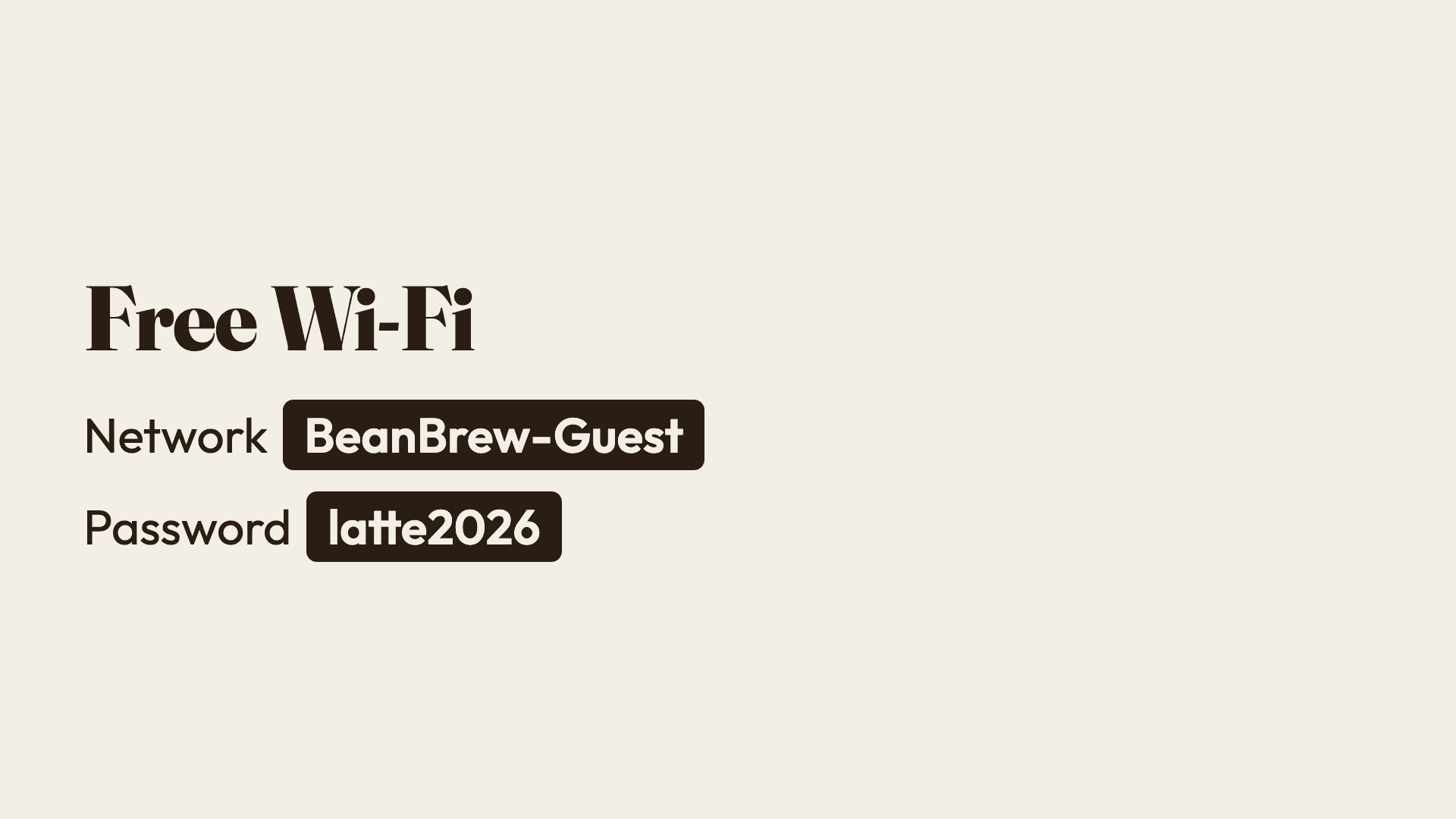
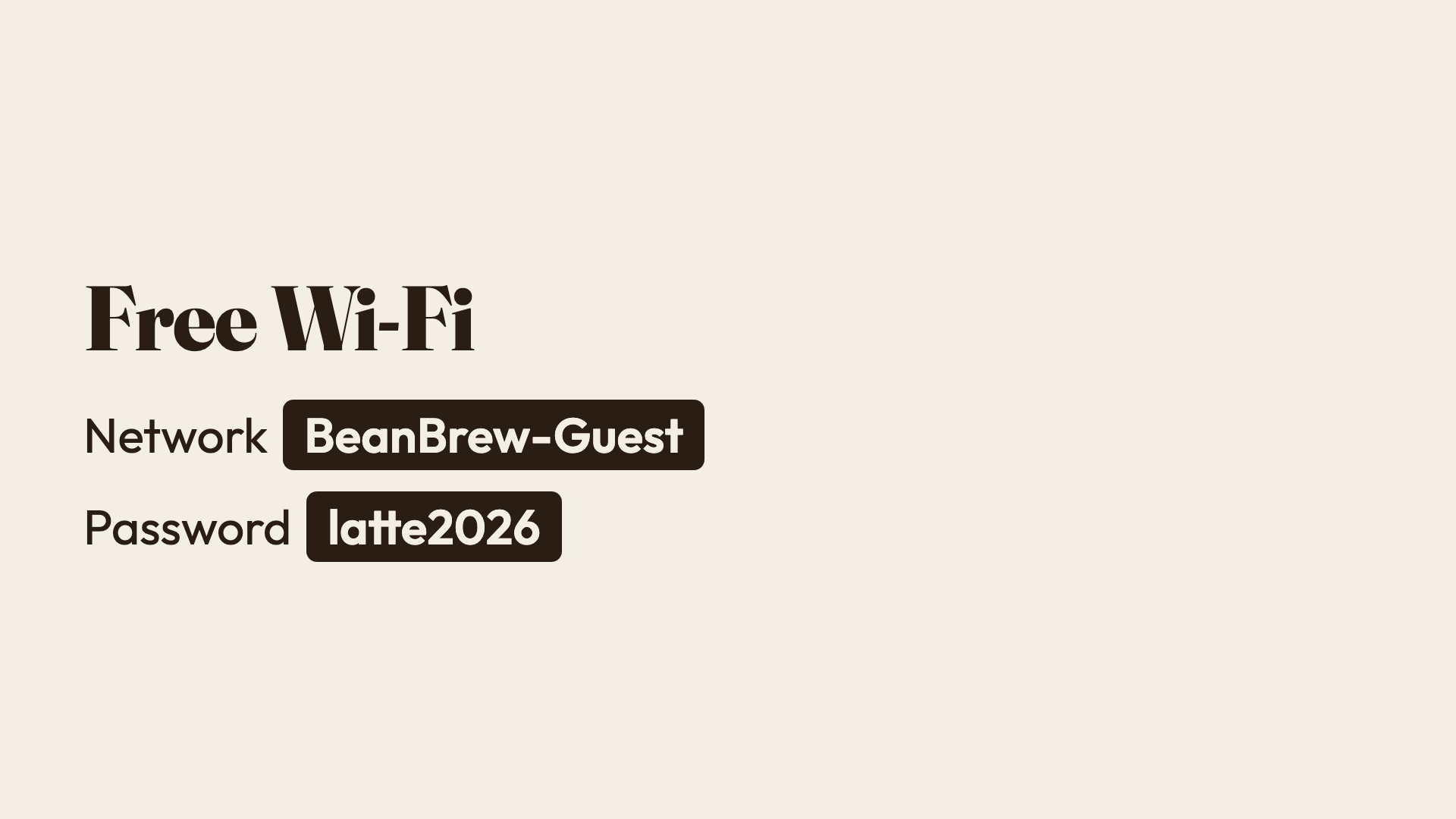
The network name and password in large dark labels, readable from across the room.
1920×1080 PNG (Full HD, 16:9). Free for your own business, on any screen, in any software.
Download PNGWhat it's for
"What's the Wi-Fi?" is the question staff answer most in a café, a hotel lobby or a waiting room. A slide that answers it saves the interruption.
The template is plain on purpose: light background, "Free Wi-Fi" and two labelled boxes for the network name and the password, set on the left so a QR code fits on the right.
What's on it
- Heading "Free Wi-Fi"
- Network: BeanBrew-Guest
- Password: latte2026
- Empty space on the right half
The words are part of the image: change them in any image editor, or rebuild the slide in CastWize with text objects in the colours below.
How to use it in CastWize
- 1
Upload it and add it to a playlist
Download the PNG and upload it in Studio's Media Library. Open a playlist (or create one), click Add slide, choose Image and pick the file. It fills a landscape screen exactly.
- 2
Add a join-the-network QR code
In the canvas editor, add a QR code widget in the empty right half. Phones join the network when they scan a code with the text WIFI:T:WPA;S:YourNetwork;P:YourPassword;; so put that in the widget's data, with your own name and password.
- 3
Or type the details in Studio
Instead of editing the image, cover the example values with text objects in the same dark colour; changing the password later is then a text edit.
- 4
Show it often
Give it a short duration and put it a few times in the loop, or keep it permanently in a small side zone.
- 5
Publish
Assign the playlist to your screens and publish. They download the image and show it within seconds, and keep showing it if the internet drops.
Make it yours
- Change the guest password? Update the text and the QR code, publish, and every screen has it within seconds.
- Only show the guest network, never the one your till or office runs on.
Colours
Use these in a text object's colour and background to match the template.
- Background
#f4efe6 - Heading and boxes
#2a1d14 - Box text
#f4efe6
Put it on a screen today
$5/screen/month, first screen free for 30 days, no credit card required.